macOS Apple Silicon
Get Exort
Let's get Exort running on your device
Choose your platform to download the right version
macOS Intel
Windows
Linux
Installation Guide
Follow these steps to install Exort on your computer
Choose your platform below.
01
Open the downloaded DMG file
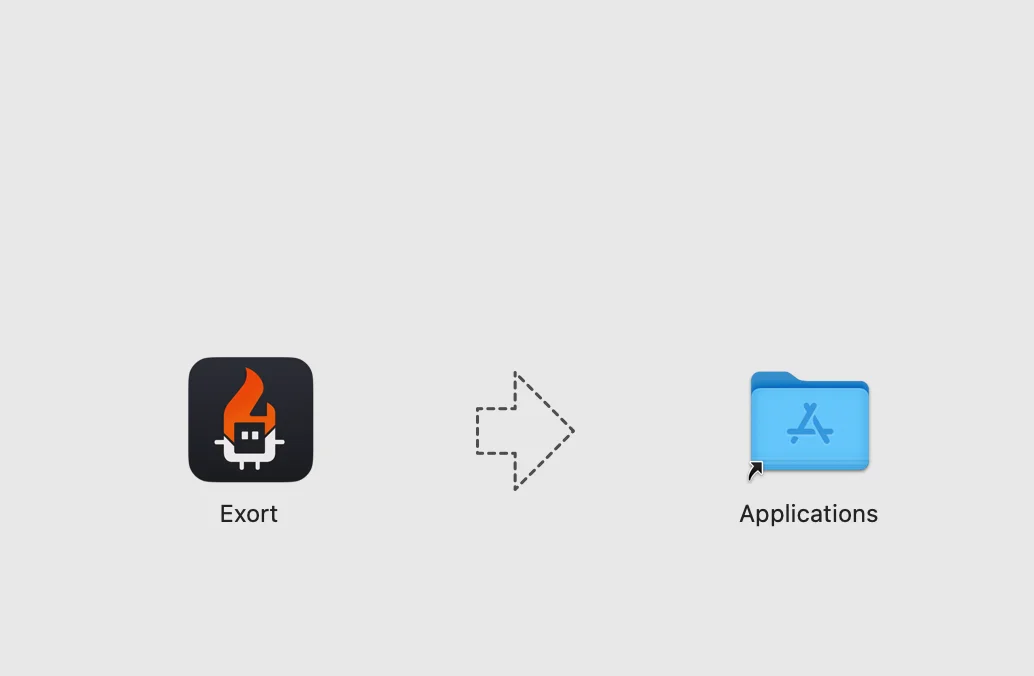
- Locate the downloaded Exort dmg file and
double-click to open it.
- Drag Exort to Applications to install.
02
Handle security warnings
Notice
You're gonna see security warnings because Exort is not notarized yet. This is expected for apps distributed outside the App Store.
If you see "Exort is damaged" error
- Open Terminal (Command + Spacebar to
launch Spotlight, type "Terminal", and hit
Enter)
- Run the command below to remove the quarantine
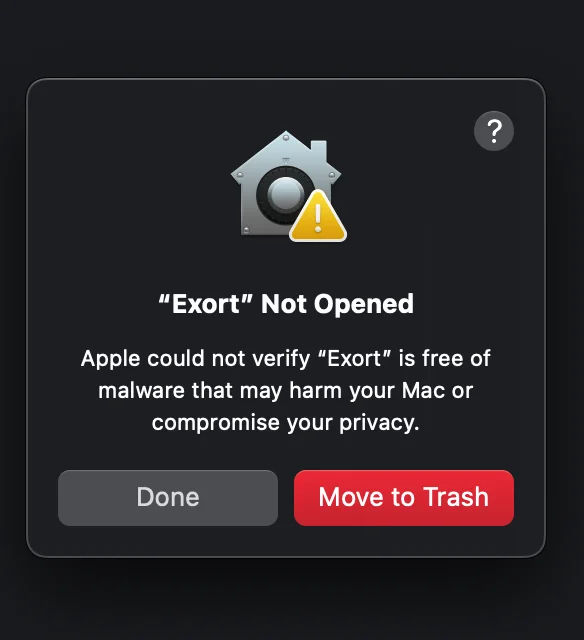
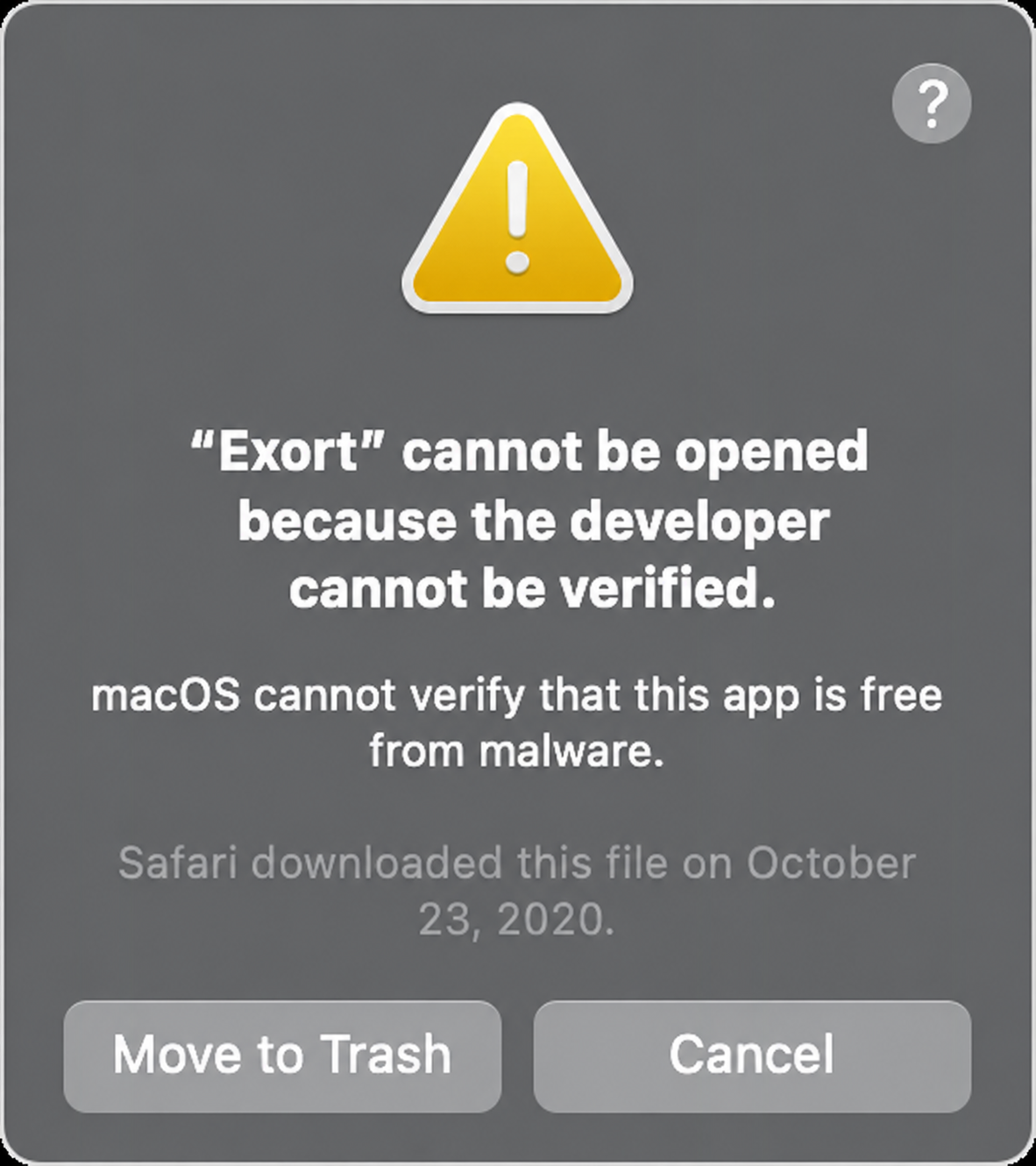
xattr -d com.apple.quarantine /Applications/Exort.appIf you see "Developer cannot be verified" error
- Click "Cancel" on the error dialog.
- Go to System Preferences → Security & Privacy
→ General.
- Click Open Anyway next to the blocked app message.
03
Launch Exort
You can now open Exort from the Applications folder or
spotlight.
The app will now run normally without any more security warnings.
Clone Exort
Clone Exort and run it locally
git clone https://github.com/Razz19/Exort.gitcd Exortnpm installnpm run dev